 AeroFluxStudio
Abacus Practice
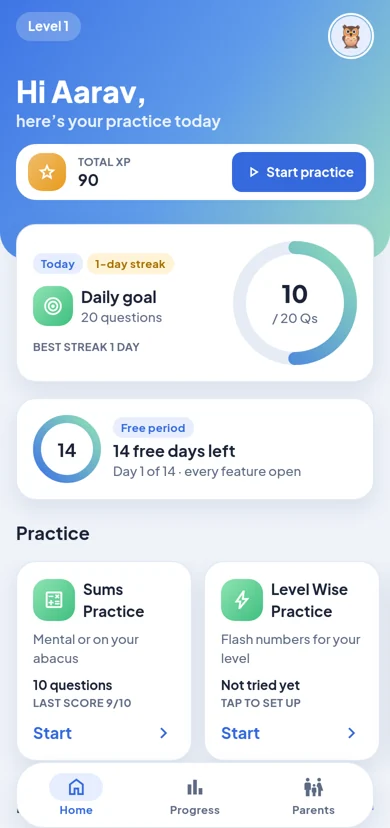
Abacus and mental maths practice for children, from Level 0 (beginners) to Level 8. Children practise with flashed numbers and a real-feeling on-screen abacus; parents follow progress in the Parent area.
Short, focused practice every day
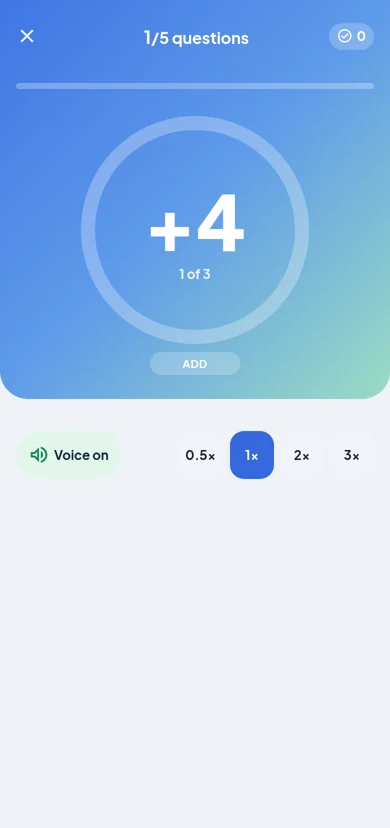
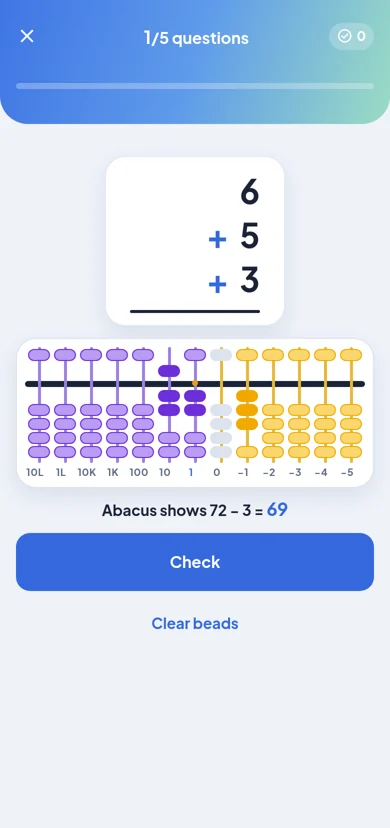
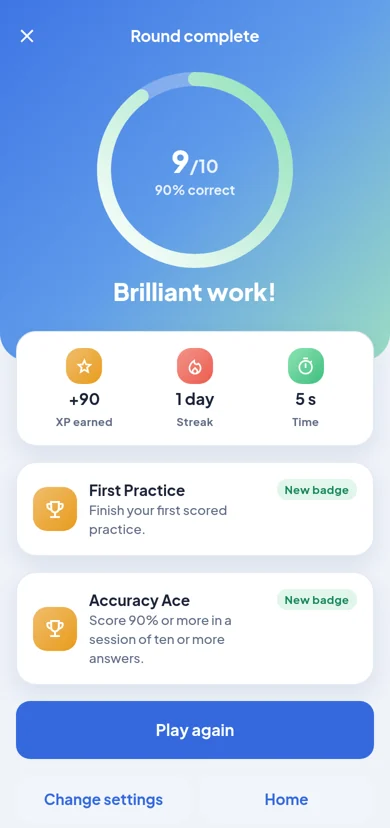
A few screens from the app. There's more to discover once you start practising.
Built around how abacus is taught
Sums Practice
Solve sums mentally or on the abacus, at the child's level.
Level Wise Practice
Numbers flash one by one, with optional voice and adjustable speed.
Abacus Tool Practice
Move beads on a large on-screen abacus (turn the phone sideways), or read the beads and type the number.
Streaks & badges
Daily goals, points, streaks and badges keep motivation high without pressure.
Progress for parents
See questions answered, accuracy and time, by day and by topic.
Up to 4 children
Each child on the phone keeps their own level and progress.
Try everything for 14 days
14 free days
Every feature is free, with child-safe ads, for 14 days from the day the app is first opened. After that, practice needs a monthly or yearly plan. Progress, scores and badges are always kept.
Plans
Monthly or yearly subscriptions, bought only through Google Play. A plan covers up to 4 children on one phone and removes all ads. Cancel any time in the Play Store.
One plan, one phone
A plan works on one phone at a time and can move to a new phone once every 30 days. Lost your phone? Email us your support code and we'll move it for you.
Progress is kept safe
With a plan: progress is saved online a few seconds after each practice and comes back on a new phone with Restore purchases. Everyone: Android's own backup to the parent's Google account can bring progress back on a new phone.
Safe, simple and private
No accounts
Children never sign in, and never type an email, phone number, address or school. A first name or nickname is enough.
Grown-ups only
Plans, links outside the app and settings are behind a parent check: read three numbers written as words and tap them.
Child-safe ads, briefly
Ads appear only during the 14 free days, never during practice. They are G-rated, not personalised and never use the advertising ID.
No chat or tracking
No chat, sharing or social features, and we don't follow children across other apps or websites.
You're in control
See, change or delete profiles in Parent area > Children. Manage the online copy in Parent area > Progress backup.
Works offline
All practice works without internet. With a plan, the phone just needs to go online once every 7 days.
Privacy policy · Children's privacy · Crash reporting · Terms of use · Delete your data · Help & FAQ